★★★★★
"I showed my husband 6 AI versions of our kitchen before we picked cabinets. Game changer."
Snap a photo, pick a style, and get a photorealistic AI makeover instantly. 3 free redesigns every month — no credit card, no design skills.


Free on iOS & Android · Pro from $3.99/week · Cancel anytime · Share with friends
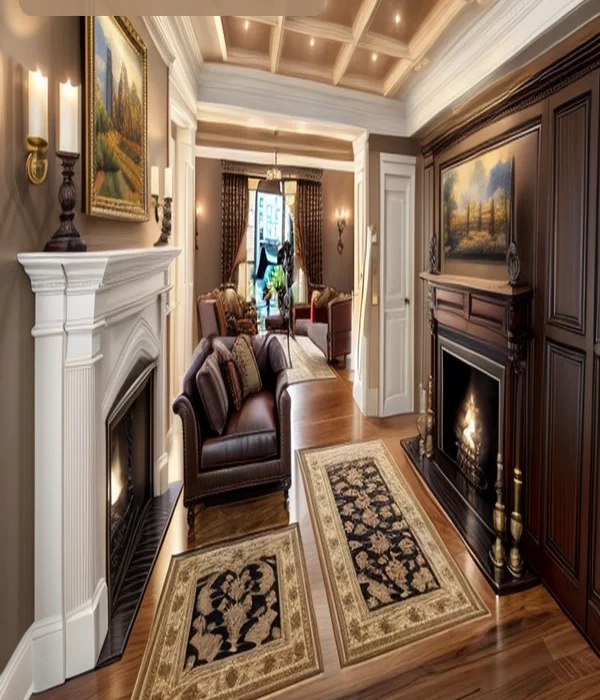
Take a photo or upload an existing one from your camera roll. Any room, any angle.
Pick from Modern, Scandinavian, Farmhouse, Boho, Luxury, Industrial, Japandi, and more.
Homelit's AI generates a photorealistic redesign of your room in seconds. Save, share, or try another style.
See what Homelit AI does to real rooms — no staging, no renovation required.
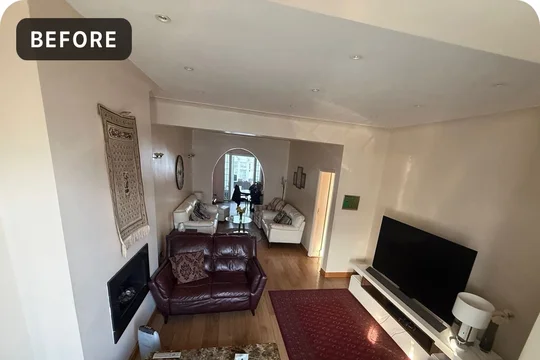
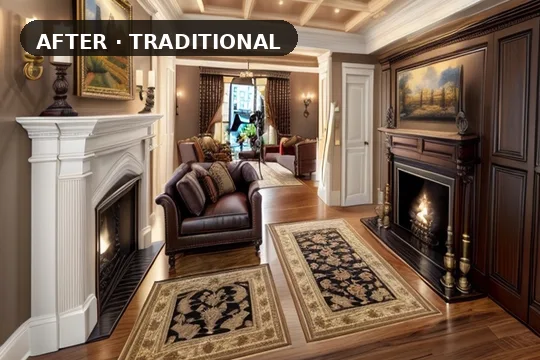
Real homeowners using Homelit to plan makeovers before spending on furniture or contractors.
★★★★★
"I showed my husband 6 AI versions of our kitchen before we picked cabinets. Game changer."
★★★★★
"Way better than RoomGPT on my phone. Results actually look like MY room."
★★★★★
"Free tier was enough to fall in love. Pro pays for itself vs one designer consult."
Free download · 3 redesigns/month · No credit card · iOS & Android
View pricing · Pro from $3.99/week
Download free — 3 redesigns included every month. See your space in Modern, Japandi, Farmhouse, and 20+ more styles before you spend a dollar on decor.